The Cyphers Agency often uses Elementor to help create and style new websites. We are constantly updating and learning new creative tools, tips, and tricks so we can continue to create fresh and engaging websites for our clients. Here are some of Elementor’s latest features to make your website pop like never before! Get ready to wow your visitors with floating bars that showcase your latest updates in a fun, eye-catching ticker. Also, you can now use variable fonts to add a touch of personality to the text on your webpage. Other behind the scenes improvements in the code speed up load times and reduce CSS bloat. Let’s dive in and unlock the power of Elementor’s newest tools.
Floating bar
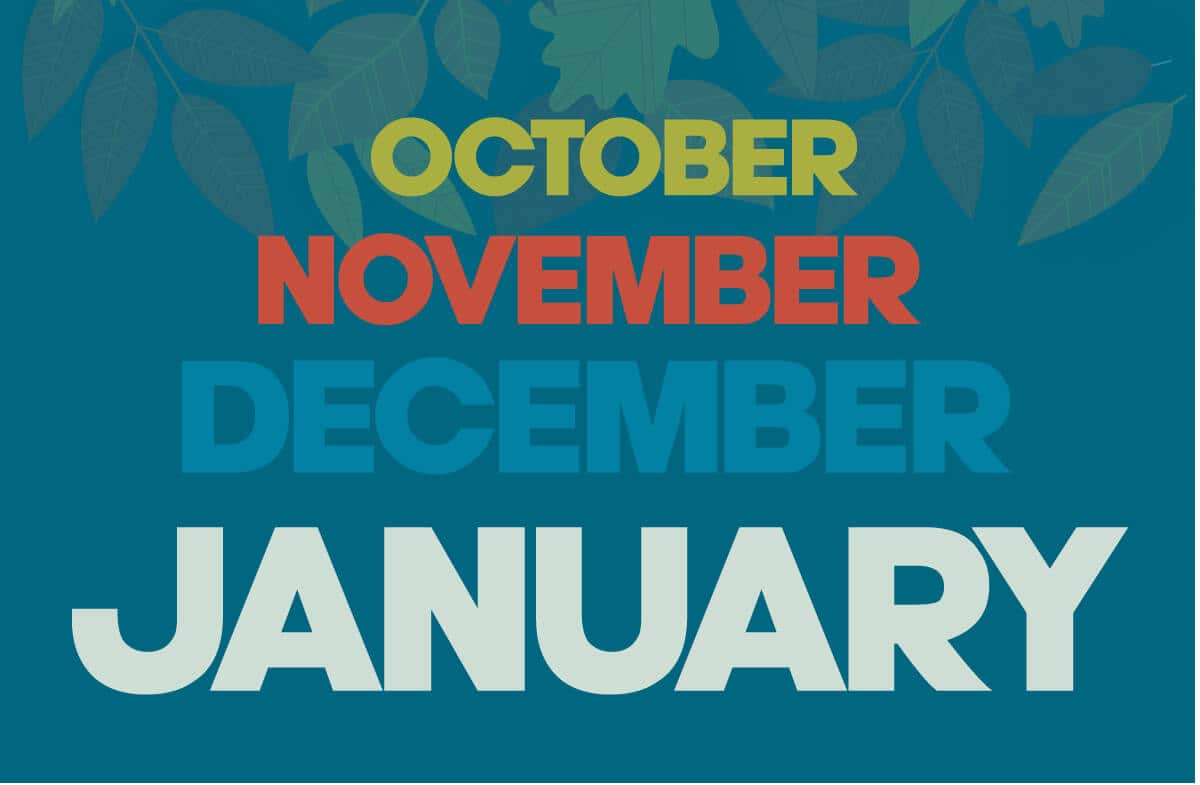
Elementor now offers a Floating Bar feature. A floating bar can be a call to action , a ticker bar, or a coupon bar that stays on the top or bottom of the screen. You can use them to direct your viewers to a call to action button, increasing conversions and awareness. You can even create a coupon code that the viewer can click to copy. This reduces a step which is a great quality of life feature for user engagement. Click on one of the titles in the ticker bar for further reading.
Variable Font
In the new Elementor update 3.24, we can now use variable fonts. Use Variable Fonts to emphasize the information that is most important on your website.
The same font
Different width,
or different weight
Perhaps something in the middle
All of that was done with the same-sized variable font, Advent Pro. You can download dozens of variable fonts for free from fonts.google.com, or explore other sites for more variation in your variable fonts. After you find your favorite font site, download the Variable Font TTF file that you want to use on your website. Navigate to your dashboard and go to Elementor custom fonts. Add a new font, name it, and upload the TTF font file. Now you can use that font to customize your website and achieve your design goals.
Read more about how you can use variable fonts in our other blog: Variable fonts – one typeface to rule them all.
Try something new,
And inflate your font
Make a
BIG IMPACT!
The Importance of faster loading pages
All the new creative tools, tips, and tricks also come with additional code. One of the problems is that an excess of code on your website can slow down performance. Faster-loading web pages are crucial in today’s digital landscape. Website speed directly impacts user experience, engagement, and conversion rates. Slow-loading pages frustrate visitors, leading to higher bounce rates and lost business opportunities. Conversely, fast-loading sites foster better user satisfaction, encourage longer browsing sessions, and ultimately drive more successful outcomes for website owners. Optimizing page load times is an essential strategy for improving overall website performance and achieving digital success.

Recent improvements with how Elementor handles CSS loads dramatically increase the speed your web page opens and reduces CSS bloat. CSS bloat is extra unnecessary code that can be moved around, condensed, or removed and still achieve the same results.
Conditional CSS loading tells your browser to only load the CSS code that is strictly necessary. The less code the browser needs to read and load onto your screen the faster the user experience is going to be.
Have fun creating!
Enjoy designing using these creative tools, tips, and tricks.
If you would like help with marketing, advertising, or public relations, feel free to contact us. We offer a variety of services like digital marketing & analytics, marketing & brand strategy, and more to small and large companies.